How to Play a Free Online Life Simulator: Your First Session
Start Pixel Life Online in your browser: choose a city, compare jobs, plan a manageable day and save your character. No game download required.
Play free in your browser · How online play works · Watch actual gameplay
Can I play for free without a download?
Yes. Pixel Life Online runs in a supported desktop or mobile browser with JavaScript and an internet connection. Your first character's gameplay and cloud saves are free. An additional independent character slot is an optional purchase; it is not required to continue the first life. You can inspect the city preview on the official website before signing in to the game.
The playable game requires an account. Register with an email you can verify, or use Google sign-in where available. You must be at least 18, legally an adult where you live and eligible under the current Terms. No download does not mean offline play or anonymous access. English is the default interface language; available alternatives are in Settings.
Choose a city and one goal
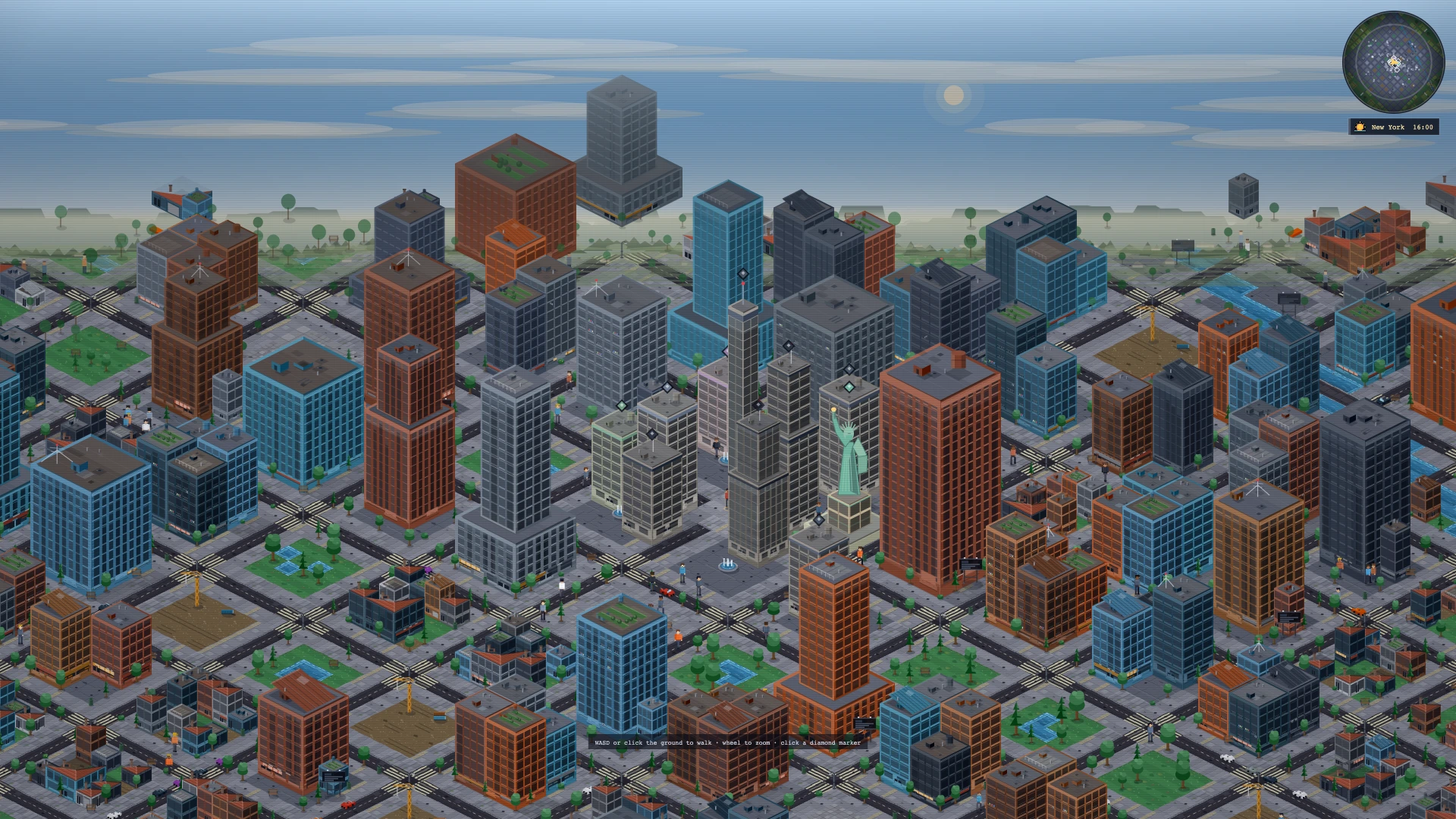
Begin with a city and a small goal: qualify for a role, improve the daily routine or explore a different place. The city affects the context around the character, including local careers, products and opportunities. A familiar city name is not a promise of real wages, living costs or access to the service in that country.
Before buying anything, inspect the character's cash, energy, health, mood, home and current employment. Open the Life Journal if you want a path to follow. Its next-step suggestions give you somewhere to begin without requiring a perfect build. Choose one next action rather than buying every item or changing every part of the character at once.
Compare a job with the day it creates
Open Careers and compare a role's requirements, salary and schedule. Use the filters to narrow the list and read any unmet conditions before applying. Sending a CV starts a process; it does not immediately award the position. Some applications include multiple stages, and an offer still needs a decision.
For a first-session experiment, compare two visible roles and ask which fits your character now. A larger salary may be less useful if the requirements are out of reach or the schedule leaves no room for study. If preparation is needed, inspect the available courses and their time and cost before enrolling. The goal is to understand one tradeoff, not to guarantee a job on day one.
Leave time for travel, rest and one interesting choice
Read the clock when work or another scheduled activity begins. The workday can move the character into a workplace scene, and commuting uses part of the routine. A break does not make every activity fit before the next obligation. Review what an action costs and what changed after you take it.
Housing connects to this same routine: compare a property's actual commute and ongoing costs, not just its appearance. Later, try a local opportunity, a relationship activity or a hobby when the character can afford the time and energy. The event feed helps explain results. This makes the city part of the life instead of a background behind a rising cash total.
Save the result before ending the session
After a meaningful action, wait until the indicator says Cloud saved. Continue on another device by signing in to the same account and letting the accepted server state load. Two open tabs do not combine their actions. If you see Conflict; reload, stop making changes in that tab and reload as instructed.
A useful first session ends with one choice you understand and a saved character you can return to. Use Settings for language, account recovery and Feedback. Include the visible message when reporting a problem, but never a password or verification code. All careers, money, property and health outcomes are fictional game systems, not advice or services for real-life decisions.
Start your own life · See interviews, homes and city encounters · Accounts, access and game FAQ