How to Compare Cities in a Browser Life Simulator
Use city development, job openings, courses, travel costs and housing context to compare locations in a browser life simulator before moving.
Play free in your browser · How online play works · Watch actual gameplay
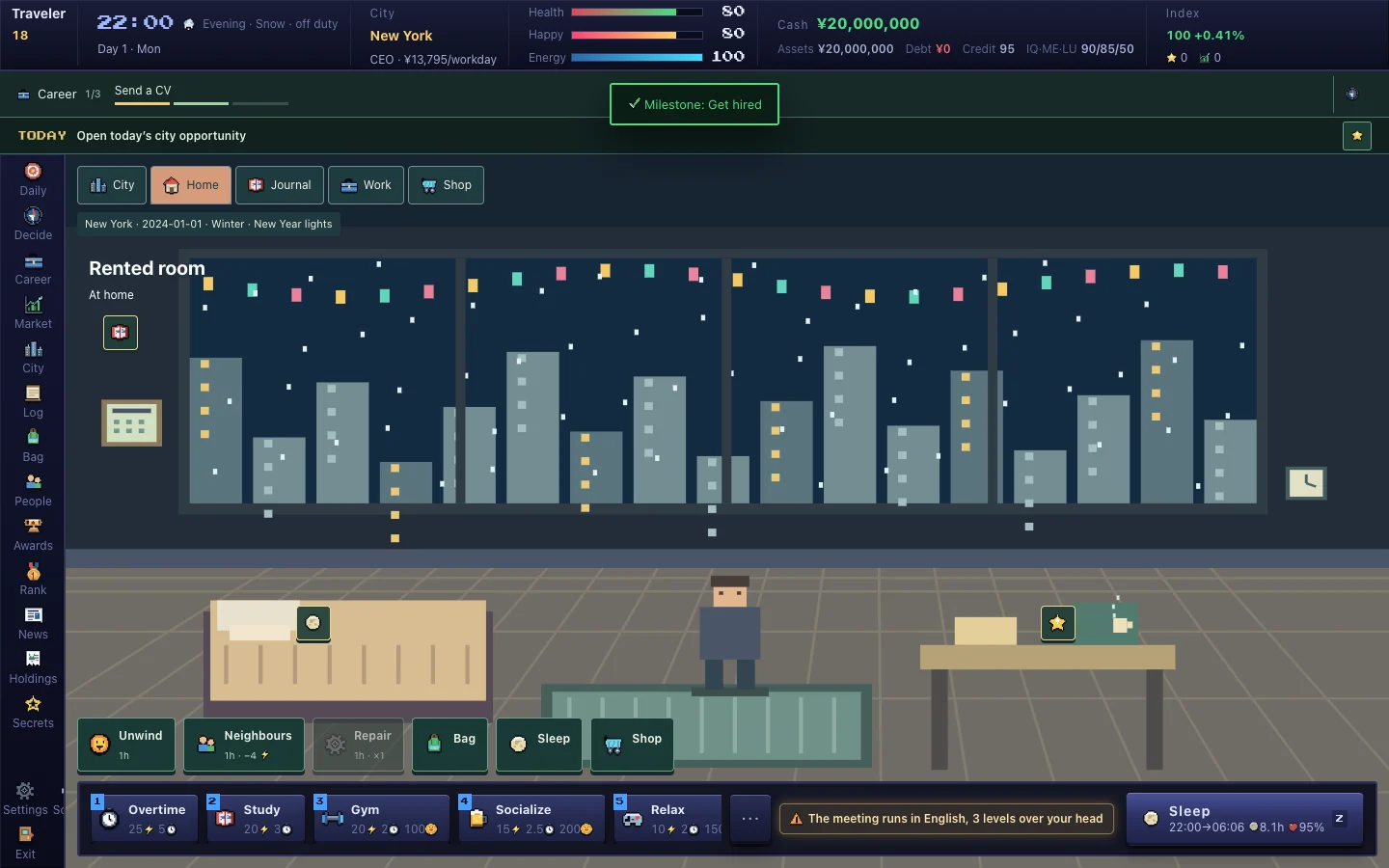
A city is a changing game context
Cities in Pixel Life Online are fictional locations with their own development stage, industries, job openings and prices. The city panel gives a current snapshot rather than a permanent ranking. A town that suits one character's study plan may be less useful for a character who needs a different job or a shorter commute.
Read the city headline and development information before treating a location as an opportunity. The simulation changes over time, so revisit the panel after several in-game days instead of relying on a first impression.
Compare opportunities with the cost of moving
The travel screen shows destination context and the fare from the current city. Moving can end the current job, while a visit lets you inspect another place without immediately changing the character's home. Use a visit to gather information when the character can afford the trip and the job situation is not ready for a move.
When comparing cities, put job openings, salary information, housing prices, commute and travel cost on the same page. A larger opening count is not automatically better if the character lacks the required skills or has no reserve for the transition.
Industry hubs affect study
Courses connect to the industries represented by cities. A hub can make a relevant class cheaper or easier, and some certified classes open only in the appropriate location. Check the course tier, fee, time and requirements in the Study panel before moving for a skill.
This is a fictional education system. Course completion does not create a real credential, and city development does not describe a real economy. Use the information to plan the current character's next in-game action.
Move after reading the consequences
Before confirming a move, check the current job, housing, health, cash and daily costs. Read the confirmation text because the game explains the travel fee and the effect on employment. After arrival, let Cloud saved settle before opening the game on another device.
The cities are fictional settings and do not indicate service availability in those jurisdictions. Pixel Life Online is intended for eligible adults outside mainland China. Follow the regional and age rules in the Terms, and report unclear city information through Feedback without sending sensitive account data.
Start your own life · See interviews, homes and city encounters · Accounts, access and game FAQ