What Happens When You Return to Pixel Life Online?
Understand the game's away-time settlement, why your balance and character can change, and how to read the return report before choosing your next action.
Play free in your browser · How online play works · Watch actual gameplay
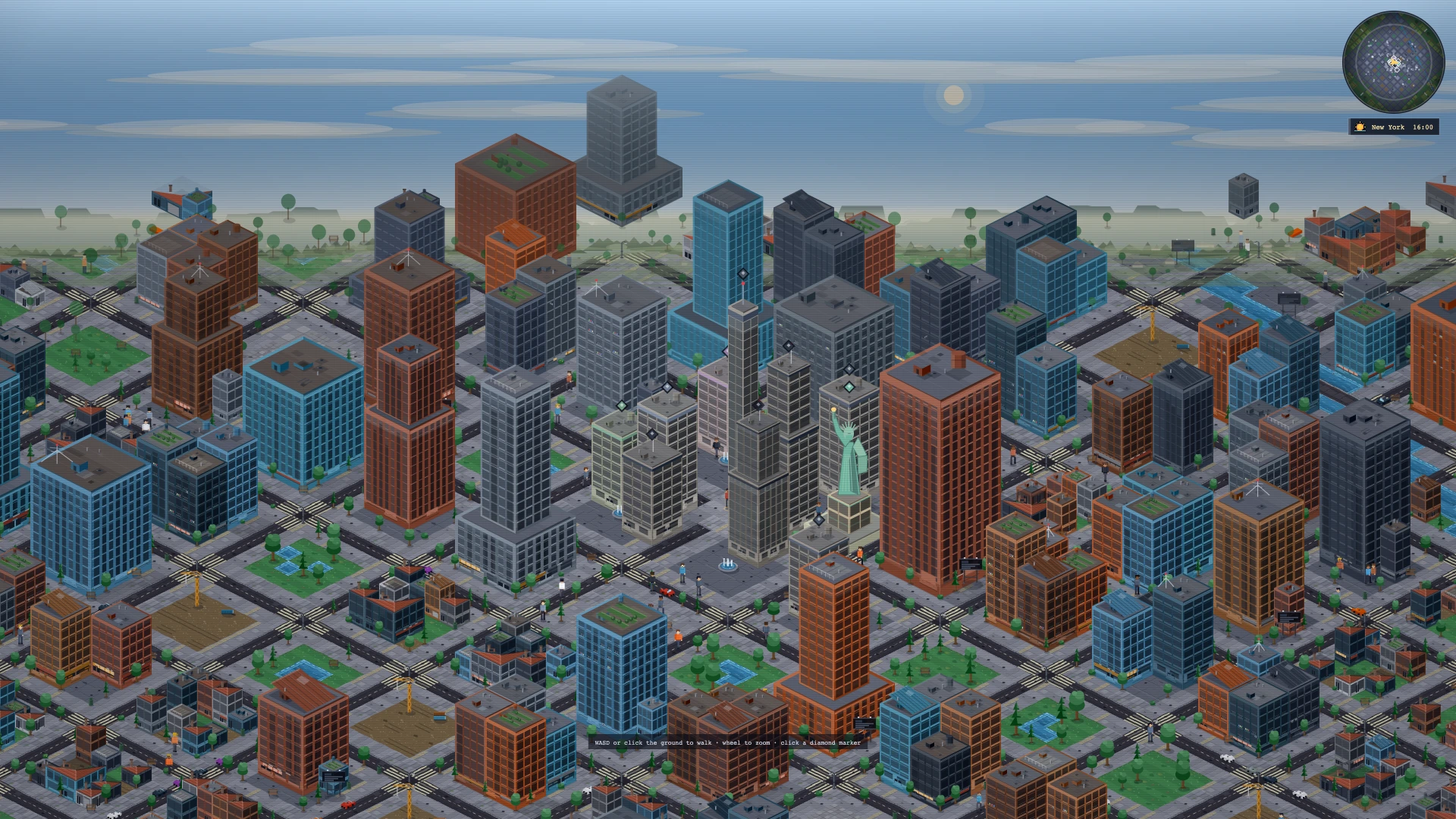
Away time follows a slower, bounded calendar
Returning to a browser life simulator can feel surprising when the character's situation has changed. Pixel Life Online calculates a stretch of away time when you return, rather than treating every absence as an unlimited opportunity to collect income. Understanding that distinction helps you read the result as another part of the character's life, with both opportunities and costs.
In the current version, the away-time calculation uses the saved last-seen time. Each complete ten minutes of absence corresponds to one simulated game day, capped at six days for a single settlement. An absence shorter than ten minutes produces no away-day settlement. For example, twenty-five minutes corresponds to two days, while a much longer absence still reaches only the six-day cap. These are the away-time rules, not the speed of the clock while you actively play.
The character lives those days, rather than collecting a bonus
The away calculation advances the character through daily routines. Depending on the character's circumstances, those days can include salary, living expenses, loan payments, medical costs and changes to fictional assets. A character with an income still has obligations. That is why a return report can show money coming in without showing the same amount added to the cash balance.
The calculation also tracks the character's body and circumstances. Sleep, waking hours, health, energy, illness and other events can affect the result. Leaving the page is not a guarantee that the character will return wealthier or healthier. Settlement does not run for a character whose life has already ended, and it can stop before the planned number of days if that life ends during the simulated stretch. All of these are fictional game outcomes, not predictions or advice about real health or finances.
Read cash movements separately from changes in assets
Start the return report by asking how many days actually passed and what happened during them. Then distinguish income from expenses and repayments. A salary figure tells you one part of the story; living costs and other obligations explain another. If the result differs from what you expected, review the accompanying events rather than assuming that all of the difference came from one bill.
A change in a fictional property's value or a simulated stock holding is also different from cash paid into the character's balance. The away report tracks these asset changes alongside money movements. Looking at the cash balance alone can therefore miss part of the result. You do not need to buy or sell anything immediately after returning: first understand which changes were spending, which were income and which were changes in what the character owns.
Use the return prompts to decide what needs attention
The return summary can surface follow-up actions based on the character's current situation. These may concern an interview or offer awaiting a response, an illness, fatigue, unpaid obligations or another development. The prompts are contextual: they are not a fixed checklist that every character receives, and the game shows only a limited selection at once.
Treat those prompts as a starting point for reviewing the life you have returned to. Check the character's current condition and any outstanding commitments before continuing the plan you had when you left. An unfinished job application or a new expense can change what deserves attention next. This makes the report useful even when the headline balance looks reassuring.
Separate away-time changes from cloud-save problems
Away settlement and cloud saving solve different problems. Settlement explains what the simulation does with elapsed time; cloud saving determines which progress the server has accepted. When moving between devices, use the same account and check the save indicator. The interface distinguishes Cloud saved, Save pending, Saving and Offline; retrying. A pending or disconnected state should not be treated as confirmation that the latest actions are already available elsewhere.
If the interface reports Conflict; reload, follow its reload instruction to load the server's current progress. Continuing from an older open tab is not a way to combine two versions of a life. If a return report or saving problem remains unclear, use Feedback in Settings and describe the visible message and what you were doing. Keep passwords and verification codes out of the report. The official game guide remains the reference for account access and service eligibility.
Start your own life · See interviews, homes and city encounters · Accounts, access and game FAQ